

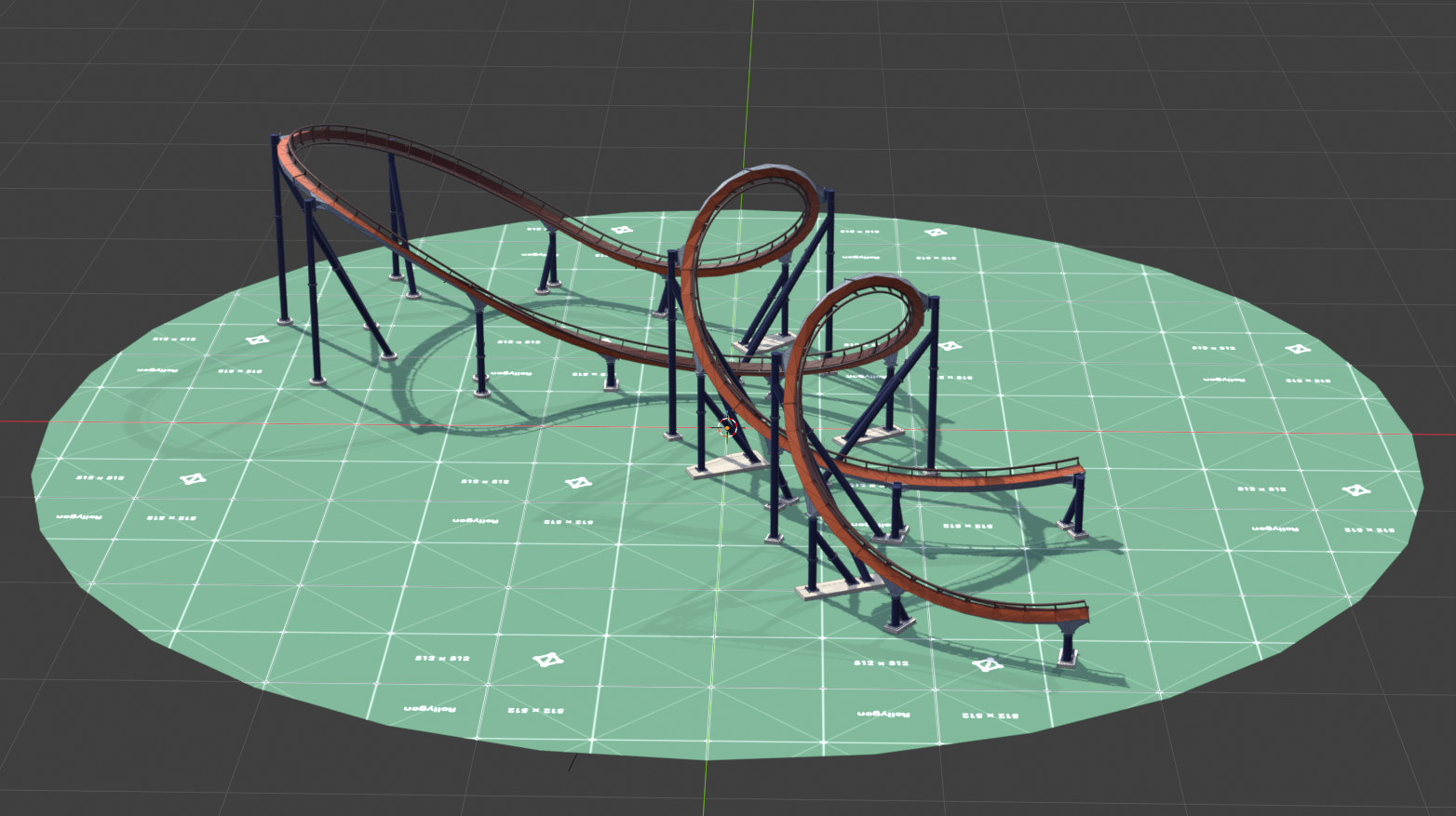
Included in download:
- Demo model
- RG-B&M_Support_Generator_v33.blend file
- RG-Utility_Nodes_v09.blend file
- Support Textures
- Support UV Map
Pick Support Beam Size
Adjust the resolution and radius of each support beam. This will dynamically re-size track connectors, flanges, and footers.
Edit the radius of multiple support beams at once. Toggle between “Individual” and “All” Radius Types. “Individual” allows changing the radius of multiple support beams within one (1) support object. “All” sets every support beam radius to the same value.
Slide the yellow box gizmo to re-size a support radius.
Position Flanges
Up to 5 flanges can be positioned on each support beam. Each support beam is able to be re-positioned while maintaining the flange position.
Position flanges by sliding the yellow arrow gizmo along the support beam’s Z-axis.
Toggle Footers
Footers are positioned on the last point of the support beam. There are options to manually position, rotate, and scale footers if needed.
Position, rotate, and scale footers by utilizing the appropriate gizmos.
Choose Track Connector Styles
Track connectors are placed on the first point of the support beam. There are multiple connector styles that can be toggled through.
Rotate track connectors with the blue rotation gizmo along the support beam’s Z-axis.
Style Support Beams (Beta)
Add a texture to a support frame. There are support textures provided to try, or feel free to use the included UV map to create your own.
Get Creative
Not able to create the exact support you need? Try combining them together to create something a bit more unique.
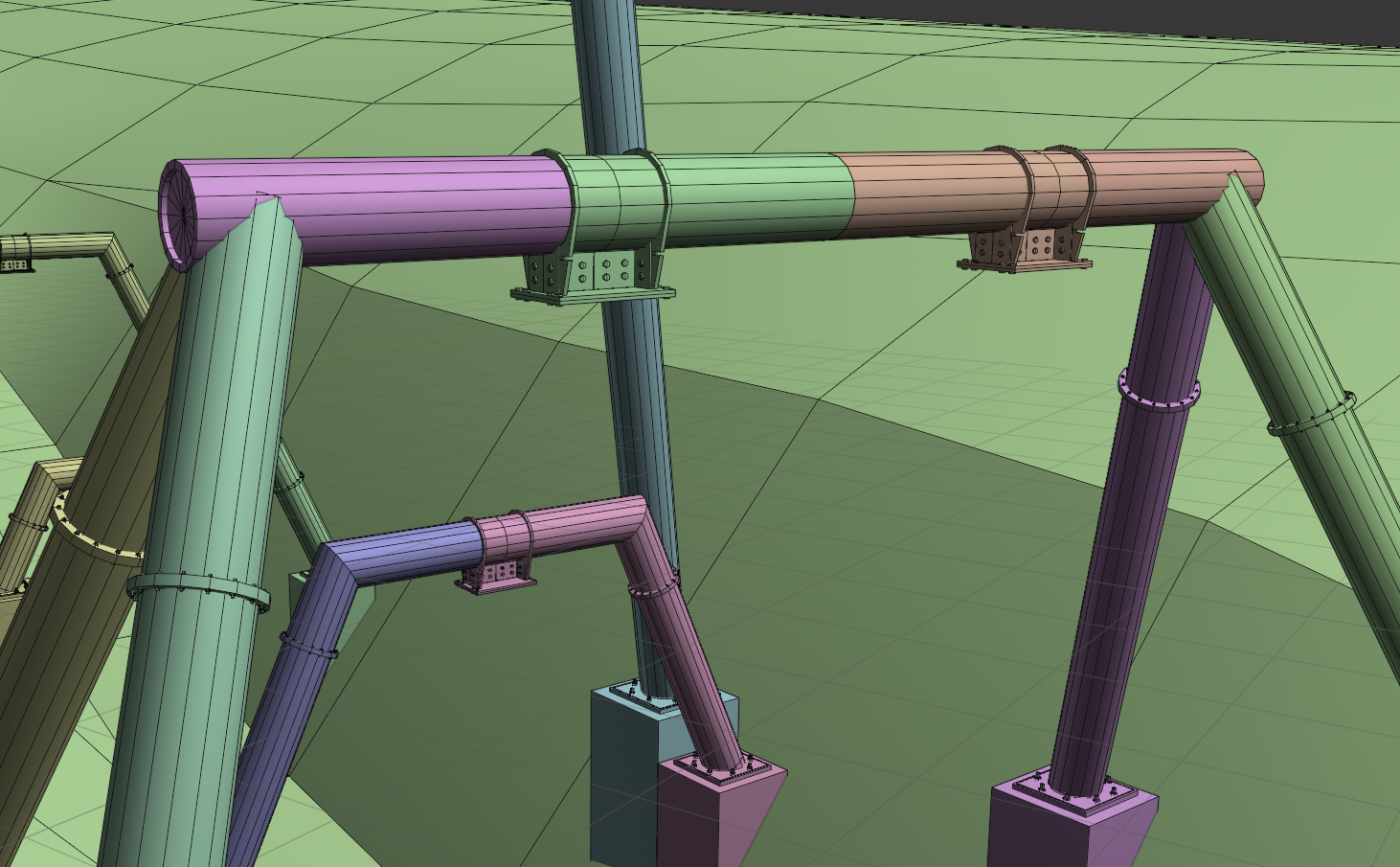
Support Generator Properties
These are all of the editable properties included with this tool.
General
- Radius Type
- Beam Count
- Resolution *Gizmo
- Support Texture
- Support Color (Prototype Version)
Individual Column
- Radius *Gizmo
- Cap
- Flange Count
- Flange # Position *Gizmo
- Track Connector Type
- Track Connector Rotation *Gizmo
- Footer Type
- Toggle Footer Foundation
- Footer Length *Gizmo
- Footer Rotation *Gizmo
- Footer X-Offset *Gizmo
- Footer Y-Offset *Gizmo
Let Me Know What You Think!
If you come across any bugs or issues, send a message below in the contact form or email me at message@rollygon.com. I would love to hear your feed back to improve these tools.
Please, do not distribute or re-sell this product. Thank you!